A native macOS music player. Bit-perfect playback, intelligent shuffle, no streaming, no algorithm.
Built for the
library you keep.
High-Res Audio
Bit-perfect playback of FLAC, ALAC, AAC, MP3, WAV, AIFF, and OGG Vorbis. Automatic hardware sample rate matching sends 96 kHz and 192 kHz files to your DAC at native resolution. Exclusive (hog) mode bypasses the macOS system mixer entirely. Gapless playback. LUFS-targeted normalization that never clips.
Auric Drift
An intelligent shuffle engine that understands your music. Drift analyzes every track’s BPM, key, energy, and spectral brightness, then builds sequences with harmonic mixing, tempo continuity, and genre-aware transitions. Shuffles like a DJ, not a random number generator.
10-Band Equalizer
Graphic EQ with ISO standard bands from 32 Hz to 16 kHz. 23 built-in presets from Flat to Classical to Hip-Hop. Adjustable pre-gain with automatic anti-clipping. All settings persist across sessions.
Watch Folders
Point Auric at your music folders and it monitors them continuously. New files are detected and scanned automatically. Metadata is read from FLAC, ALAC, AAC, MP3, WAV, AIFF, and OGG without converting or modifying your originals.
Fullscreen Mode
Dedicated fullscreen now-playing experience with blurred artwork backdrop, large artwork hero, draggable progress, and a liquid glass queue panel. A generative visualizer driven by Drift’s BPM, key, and energy analysis can replace the artwork with a single keypress.
Smart Playlists
Build dynamic playlists with rules. Filter by artist, album, genre, year, play count, rating, duration, file size, sample rate, bit depth, or file path. The playlist updates as your library changes.
Last.fm
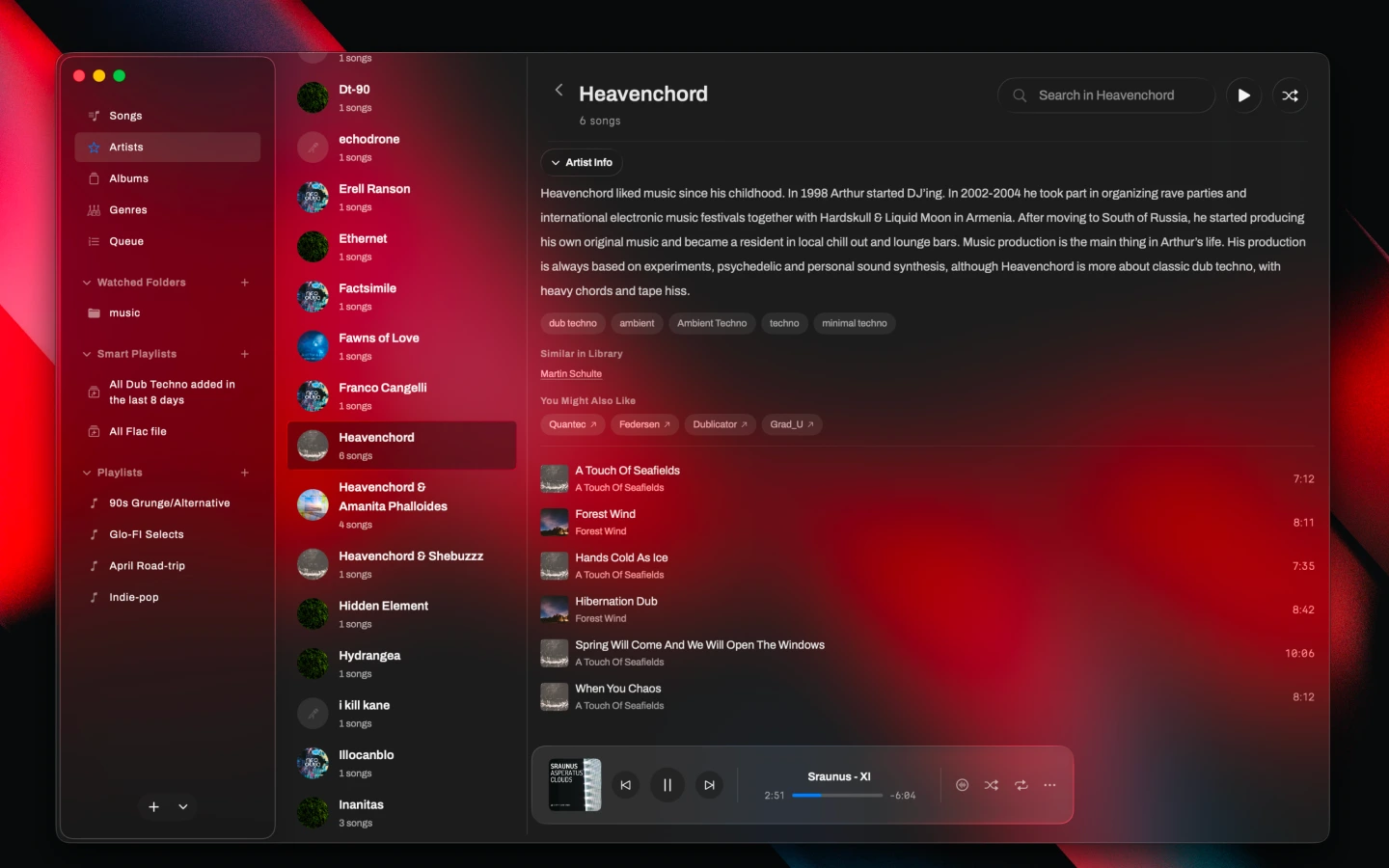
Scrobble every track automatically. Love and unlove from the player controls. Artist pages show full biographies, genre tags, and two tiers of recommendations — similar artists already in your library, and artists you might like.
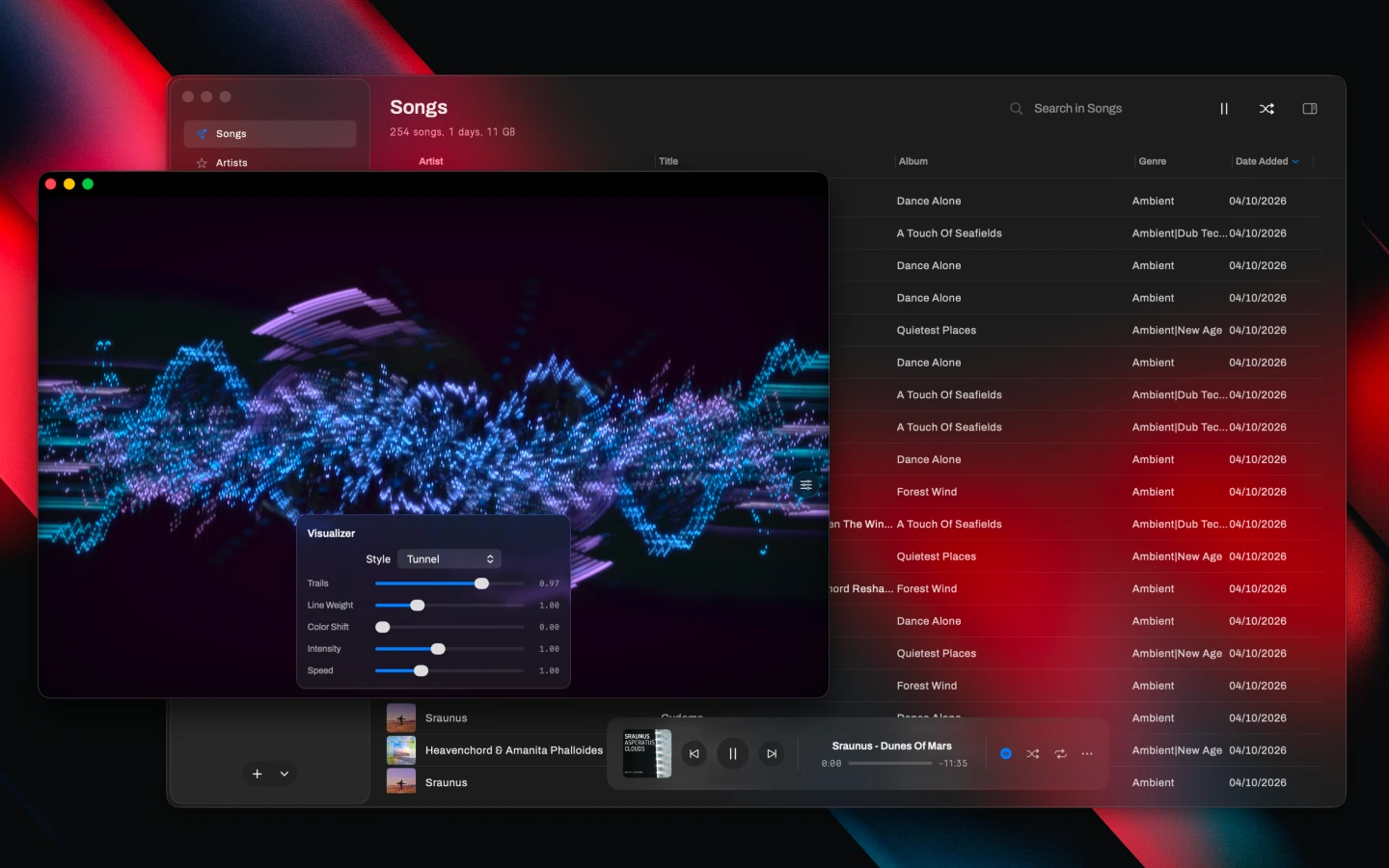
Visualizer
Real-time audio visualization powered by Metal shaders and vDSP FFT analysis. Spectrum bars and waveform modes. Beat detection drives pulse animations. The visualizer responds to your theme color.
Peer-to-Peer Radio
Host a radio station from your library. Friends connect directly using the app or any web browser. Four quality tiers from lossless PCM to AAC 96 kbps. The web player works on mobile with raw PCM streaming for universal browser compatibility.
AcoustID Fingerprinting
Identify unknown tracks using audio fingerprinting. Auric generates a chromaprint fingerprint and queries the AcoustID database to find the correct title, artist, and album. Run it on individual tracks or batch-process your entire library.
Album Art Fetching
Automatically find and embed missing album artwork. Queries iTunes Search for mainstream catalog hits and MusicBrainz + Cover Art Archive for deeper cuts. Artwork is written back into the audio files themselves, not just the library database.
Duplicate Finder
Configurable fuzzy matching on artist, title, album, and track number. Ignore specific pairs permanently. Long-running cleanup sessions get their own window.
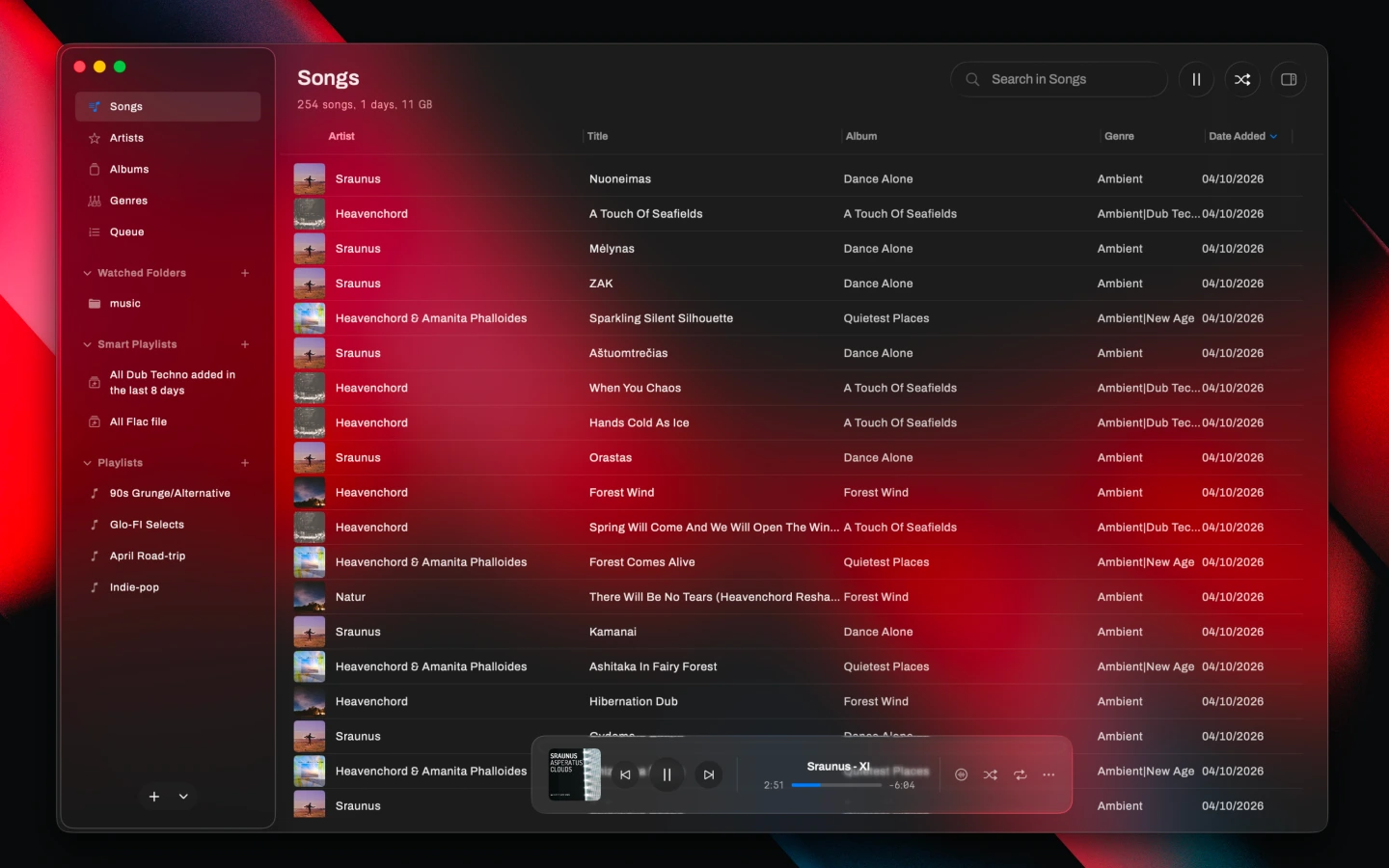
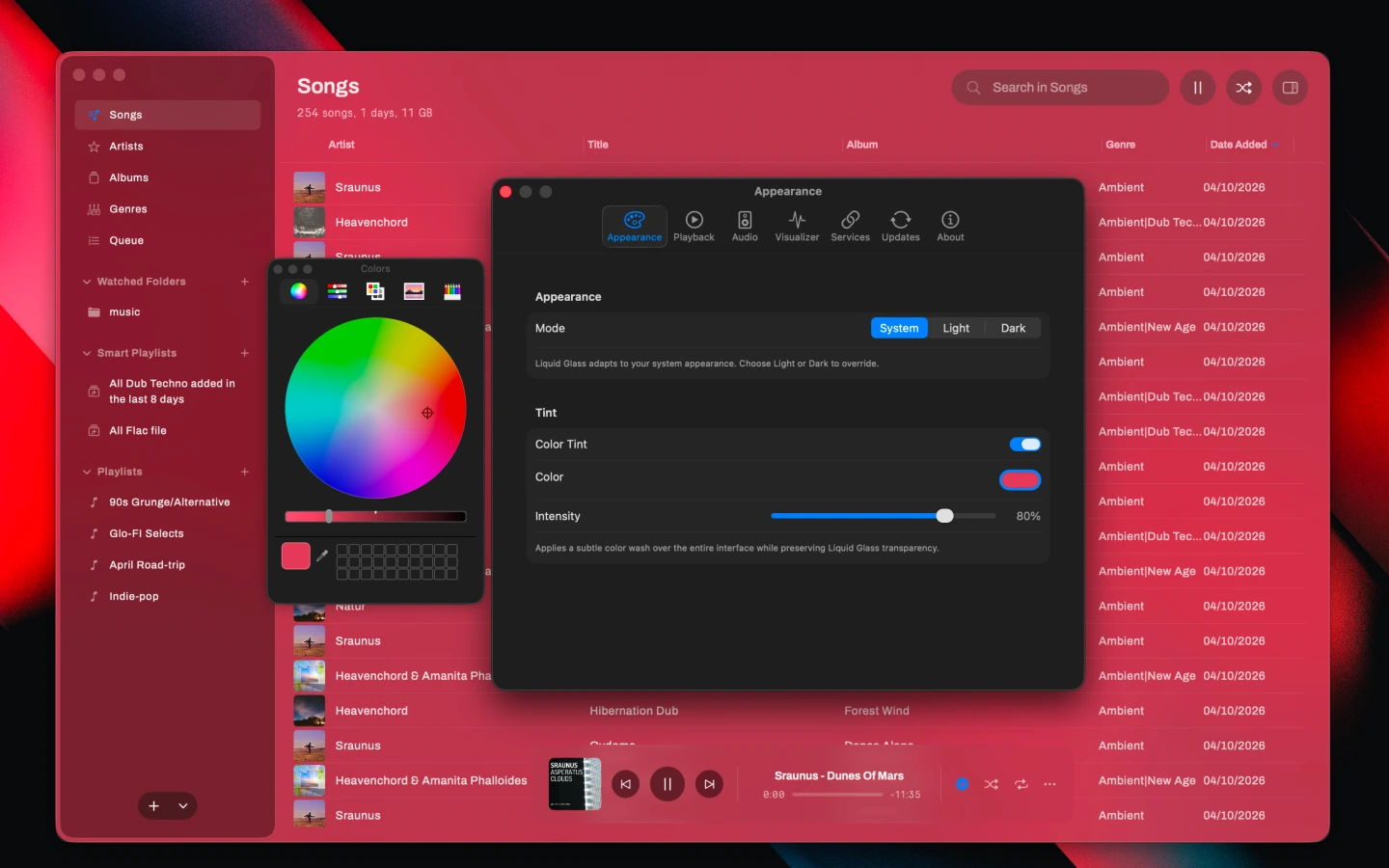
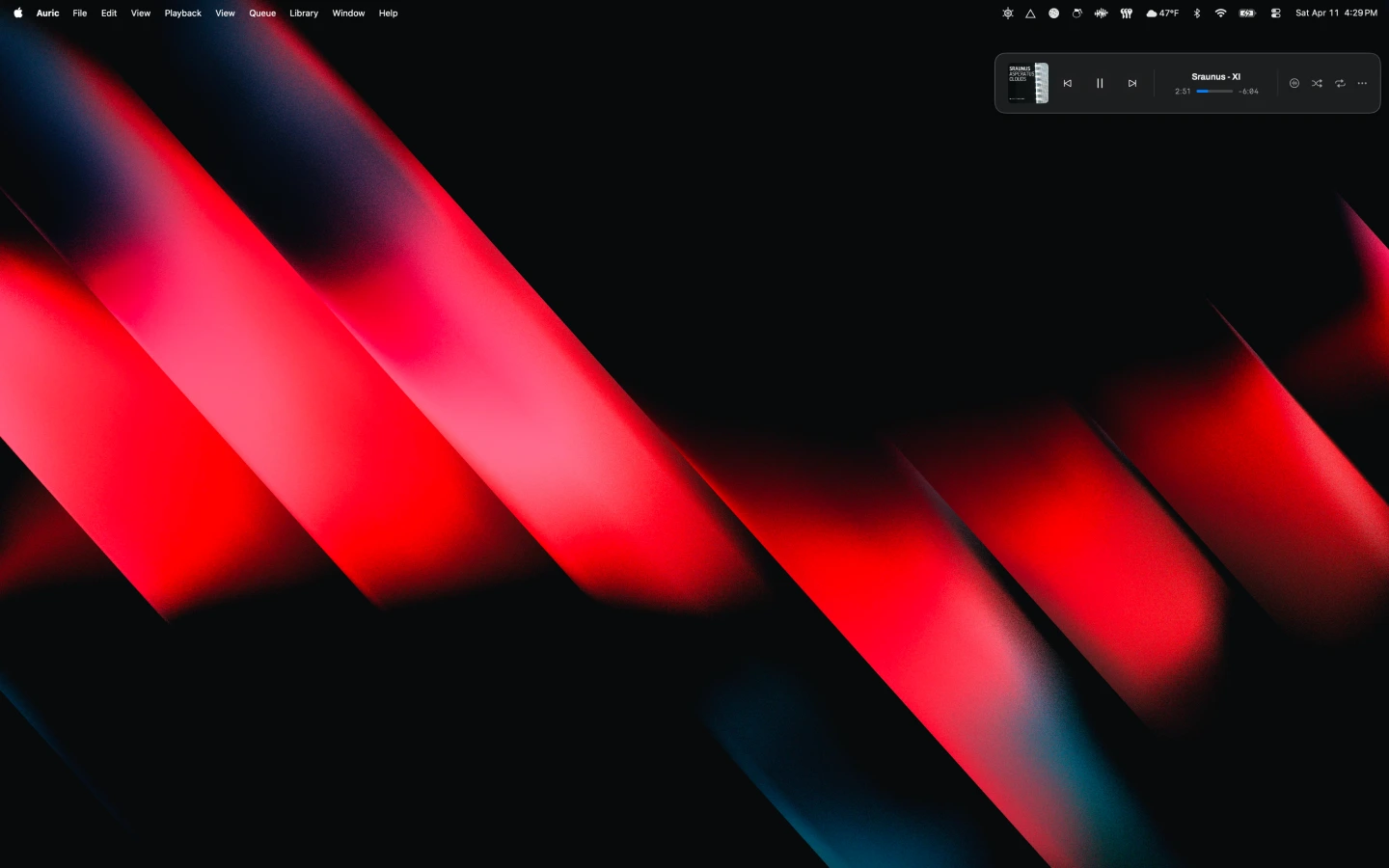
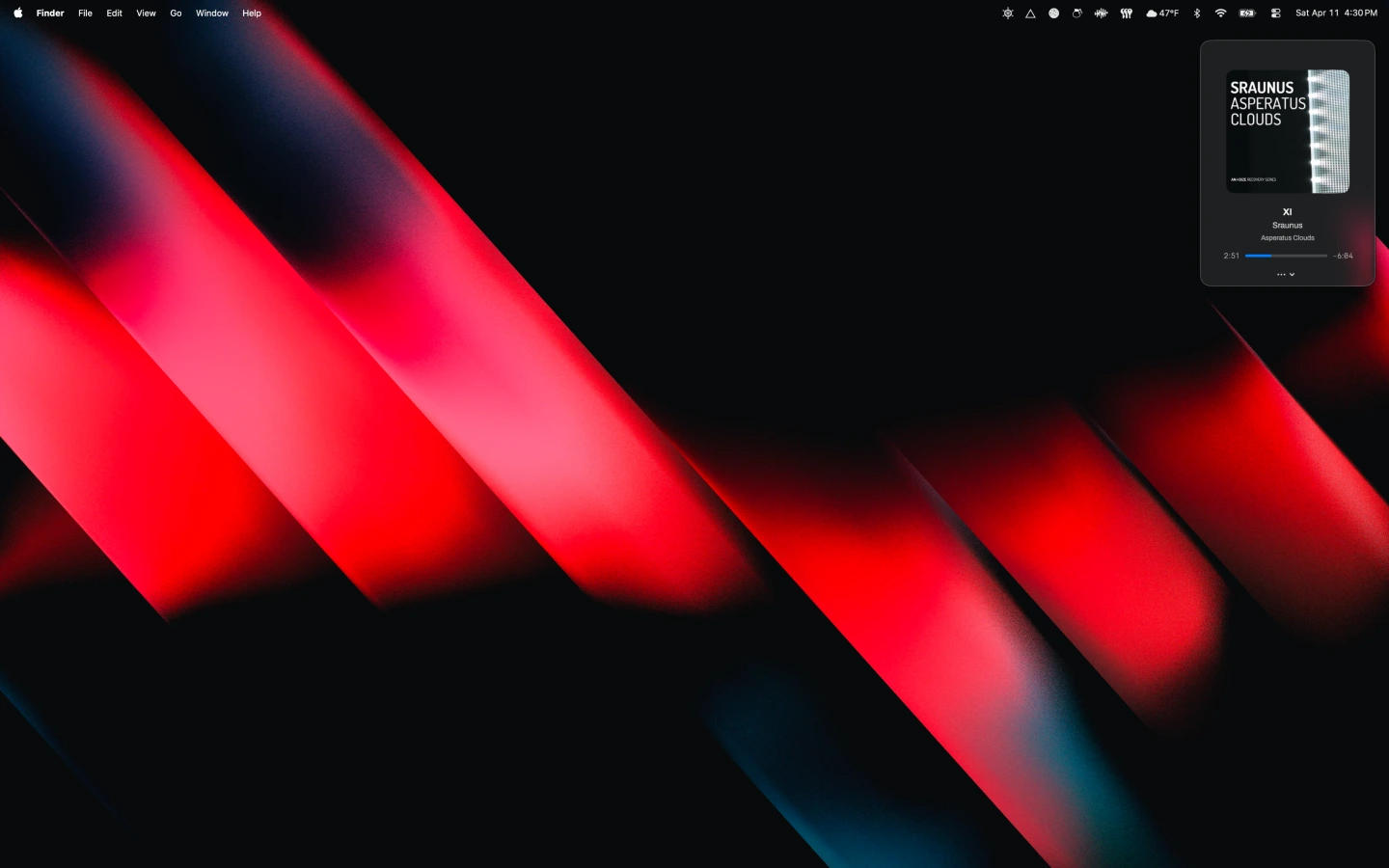
Screenshots.
Terminal Edition.
Auric TUI brings the same engine to the command line. Open source.
A cross-platform terminal music player written in Rust. Ratatui for the interface, cpal plus Symphonia for the audio path, the same Drift engine doing harmonic shuffle underneath. Native audio backends on macOS, Linux, and Windows. Vim-style keybindings. Mouse support. Miller-column library browsing. Real-time FFT visualizer. Album artwork rendered inline via Kitty, Sixel, iTerm2, or halfblock fallback.
- Symphonia-backed decoding for FLAC, ALAC, WAV, AIFF, MP3, AAC, OGG, and MKV
- The same 10-band EQ as the desktop app
- SQLite-backed library with persistent queue and playback state
- 11 runtime feature toggles covering metadata, artwork, watched folders, visualizer, and P2P sync
- Command palette with inline search and filtering
- Drag-and-drop folder adding; click-to-seek; double-click to play
cargo install --git https://github.com/flntfnd/auric-tui